<img height="1" width="1" style="display:none" src="https://www.facebook.com/tr?id=2592941450723103&amp;ev=PageView&amp;noscript=1">
Get in touch

Axon Ivy Demos & Tutorials

Explore interactive Axon Ivy tutorials, product demos, and hands-on examples. Follow guided walkthroughs in the Axon Ivy Eclipse Designer and the Axon Ivy Visual Studio Code Designer (Axon Ivy Version 14+) to learn process automation, workflow orchestration, and digital business process management.
Axon Ivy tutorials
Filters
axonivy-website-cards-tutorials-features-idp
Features
Tutorial
IDP Connector

Intelligent Document Processing with Axon Ivy IDP

Extracting structured data from unstructured documents made easy: with the Axon Ivy IDP Connector.

Watch now
Axon Ivy VS Code Designer Tutorial 1
VS Code Designer
Demo
1

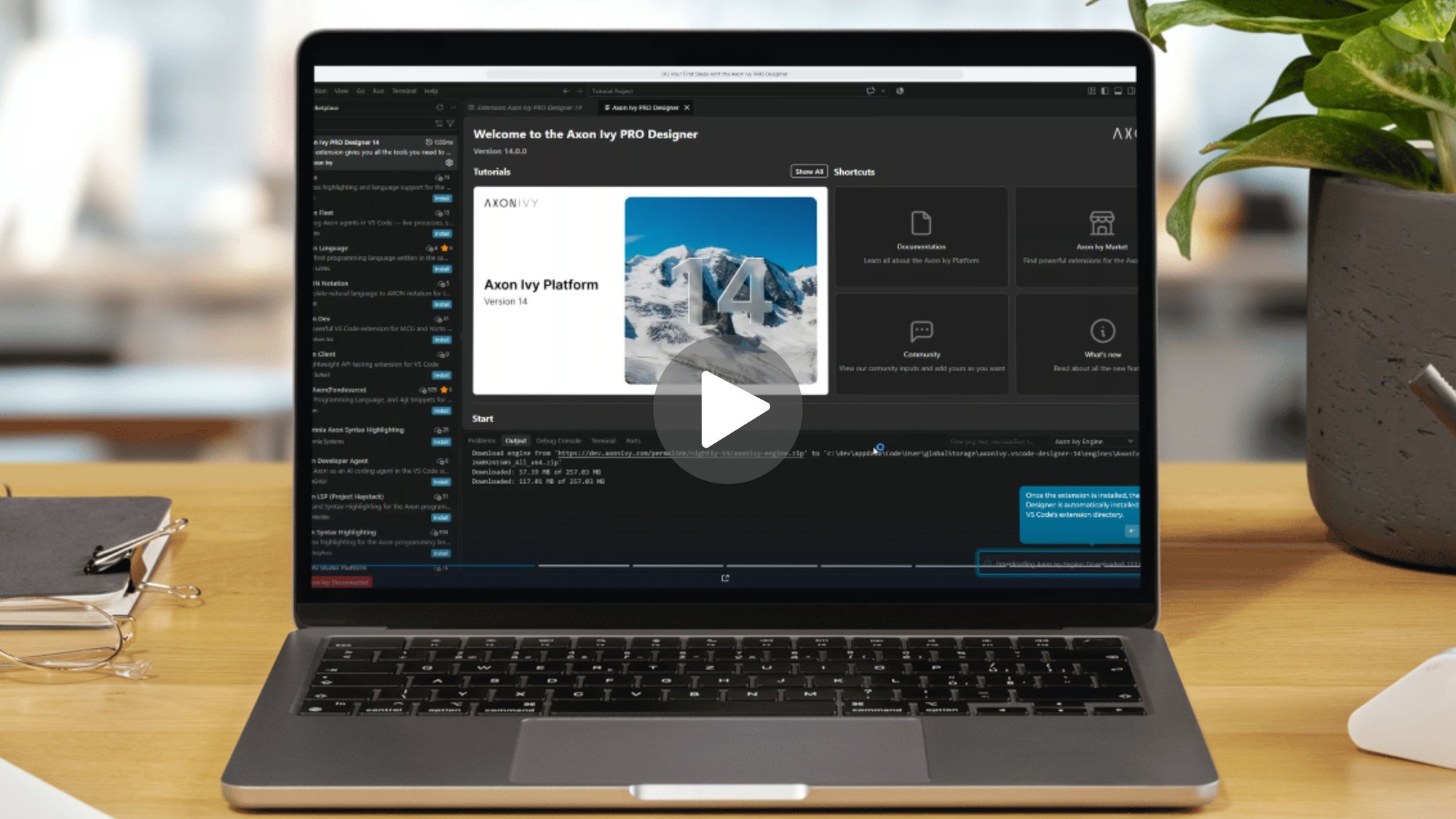
01 | Your First Steps with the Axon Ivy VS Code Designer

Click through a step-by-step, interactive demo walkthrough to download, install, and open the Axon Ivy Pro Designer LTS 14.

Watch now
Axon Ivy VS Code Designer Tutorial 2
VS Code Designer
Demo
2

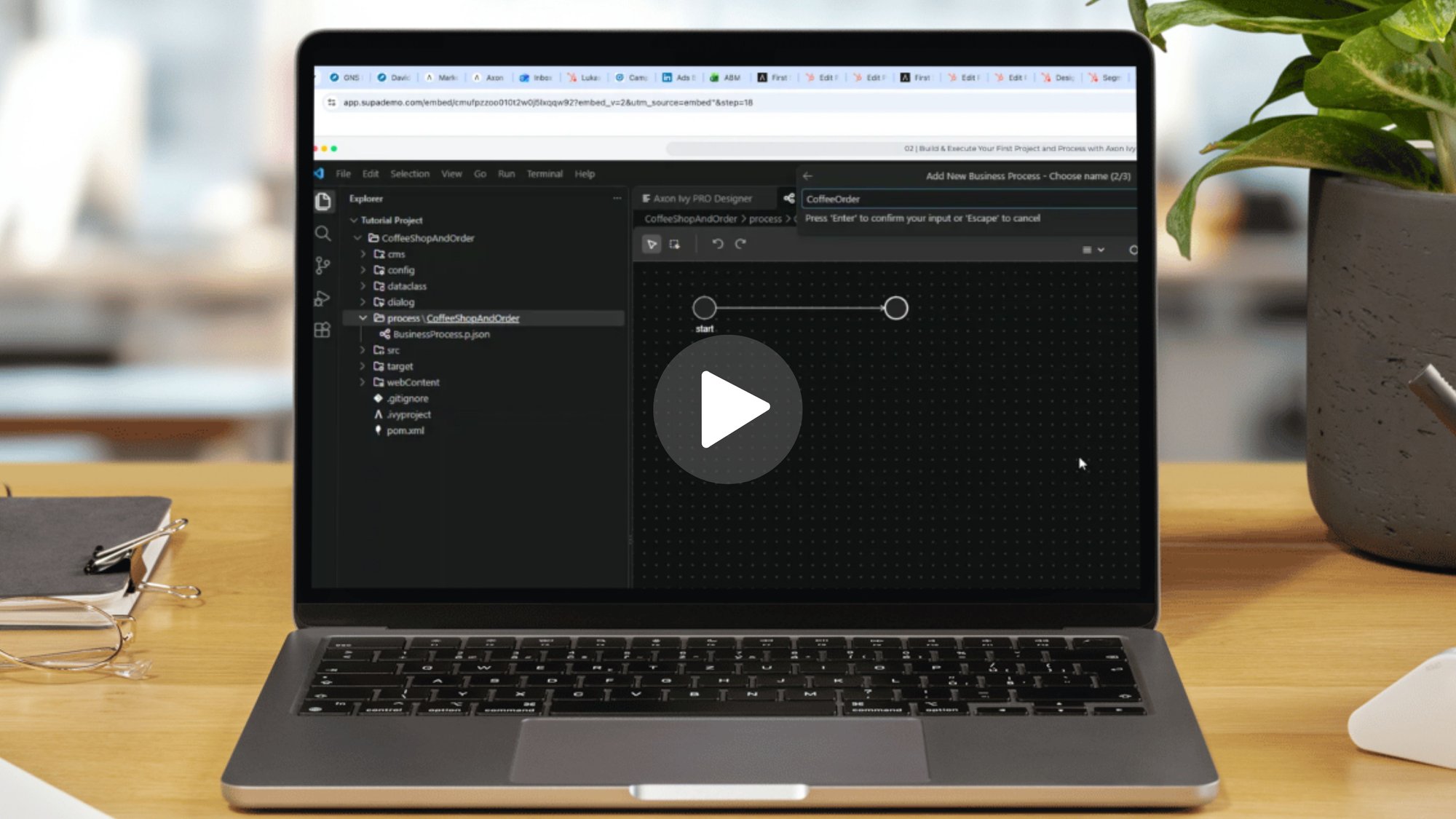
02 | Build & Execute Your First Project and Process with the Axon Ivy VS Code Designer

Create your first project, design a simple process, and run it by using the Axon Ivy VS Code Designer.

Watch now
Axon Ivy VS Code Designer Tutorial 3
VS Code Designer
Demo
3

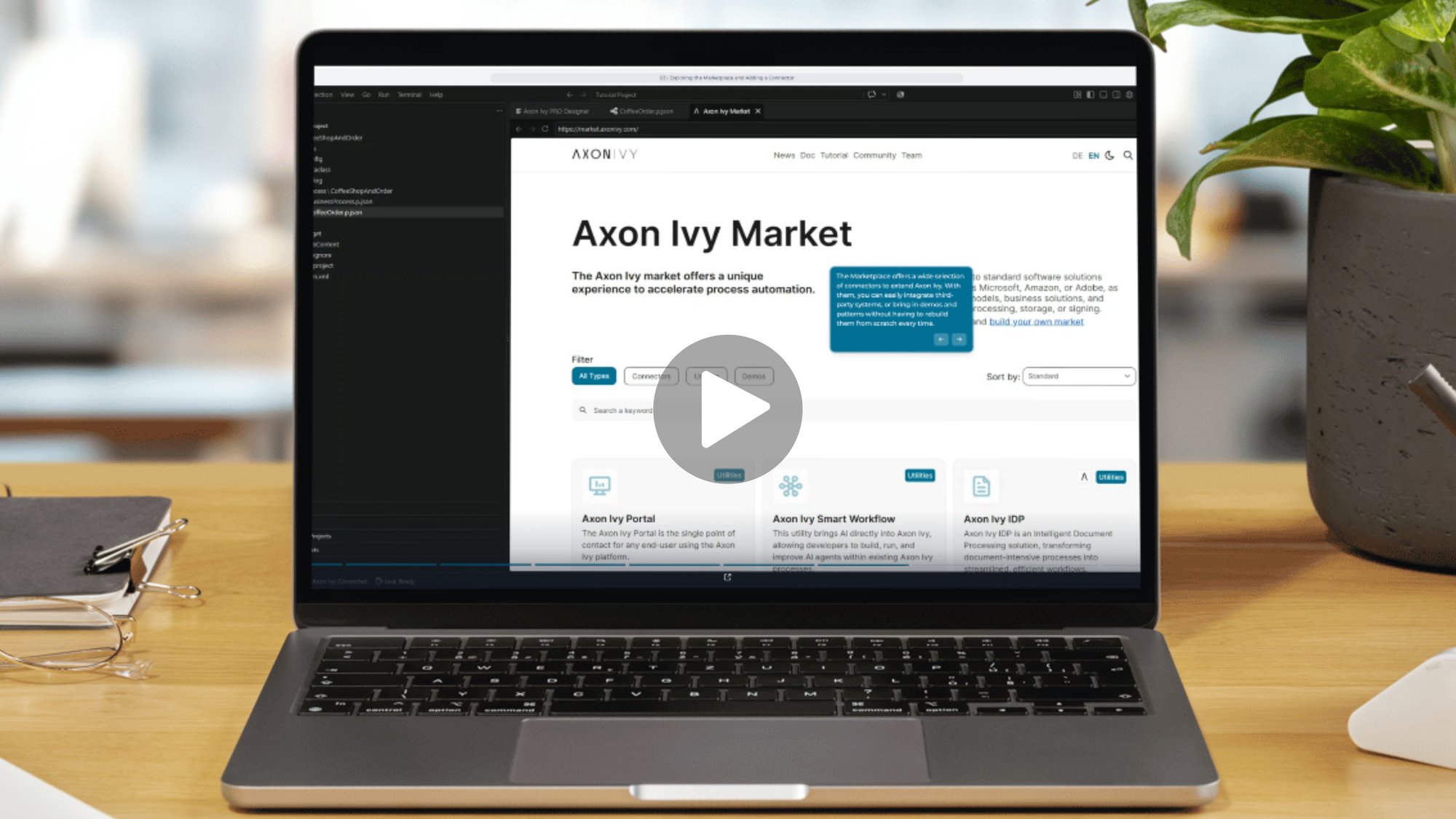
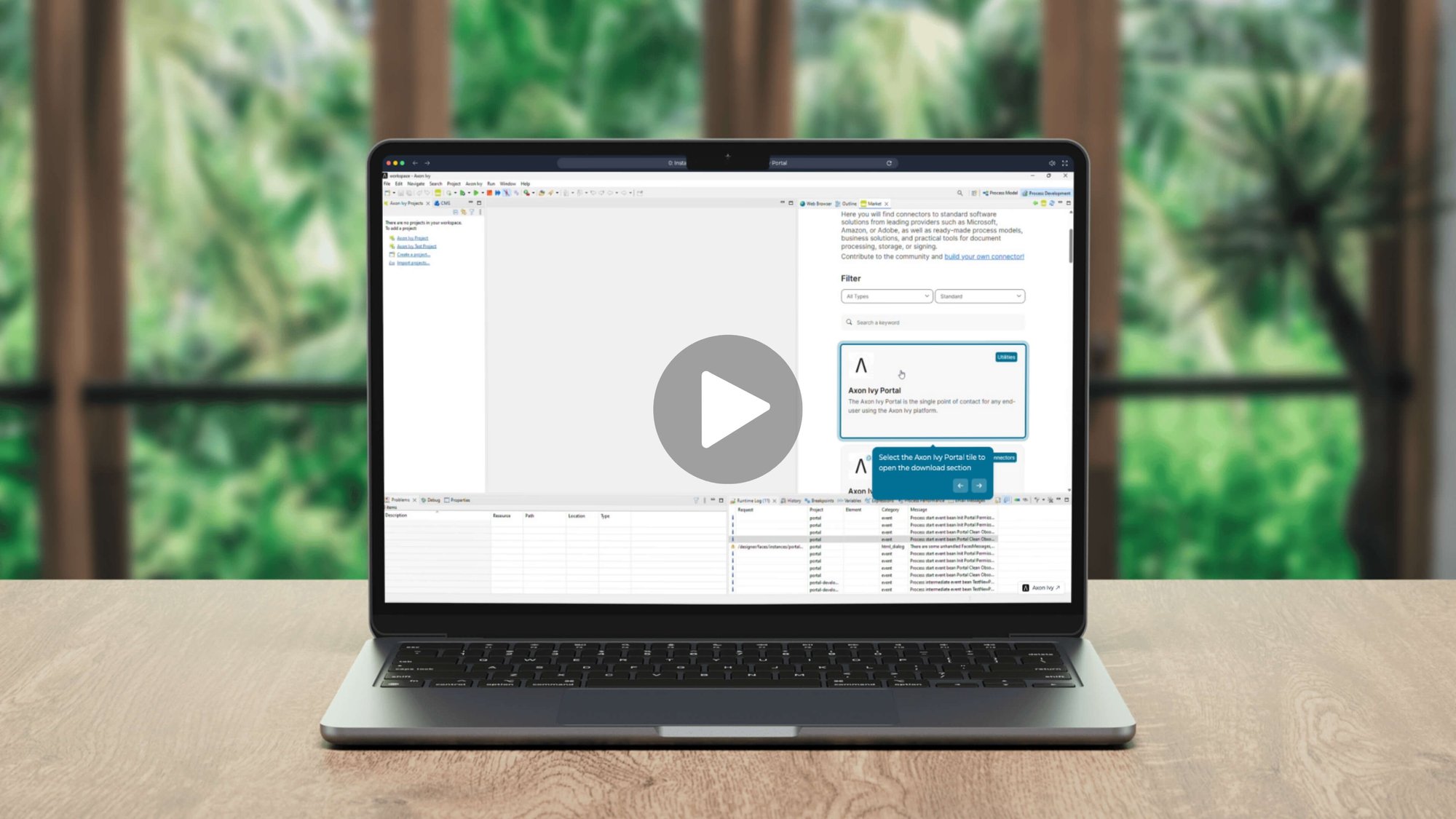
03 | Exploring the Marketplace with the Axon Ivy VS Code Designer

Click through a step-by-step, interactive demo walkthrough to explore the marketplace and add the "coffee machine connector".

Watch now
Axon Ivy VS Code Designer Tutorial 4
VS Code Designer
Demo
4

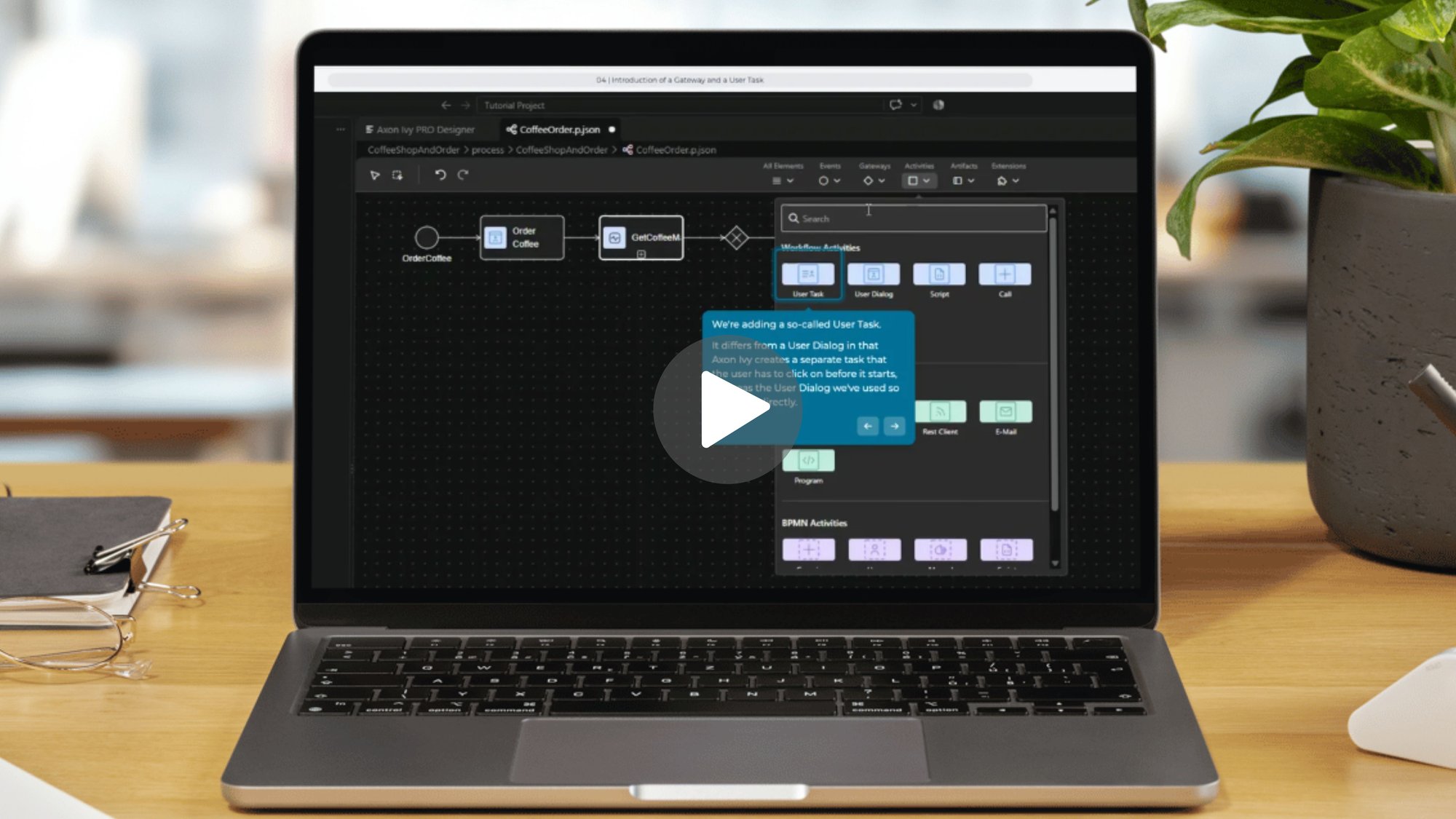
04 | Introduction of a Gateway and a User Task with the Axon Ivy VS Code Designer

Learn how to add a gateway, create an alternative route, and introduce a user task in the Axon Ivy VS Code Designer.

Watch now
Axon Ivy VS Code Designer Tutorial 5
VS Code Designer
Demo
5

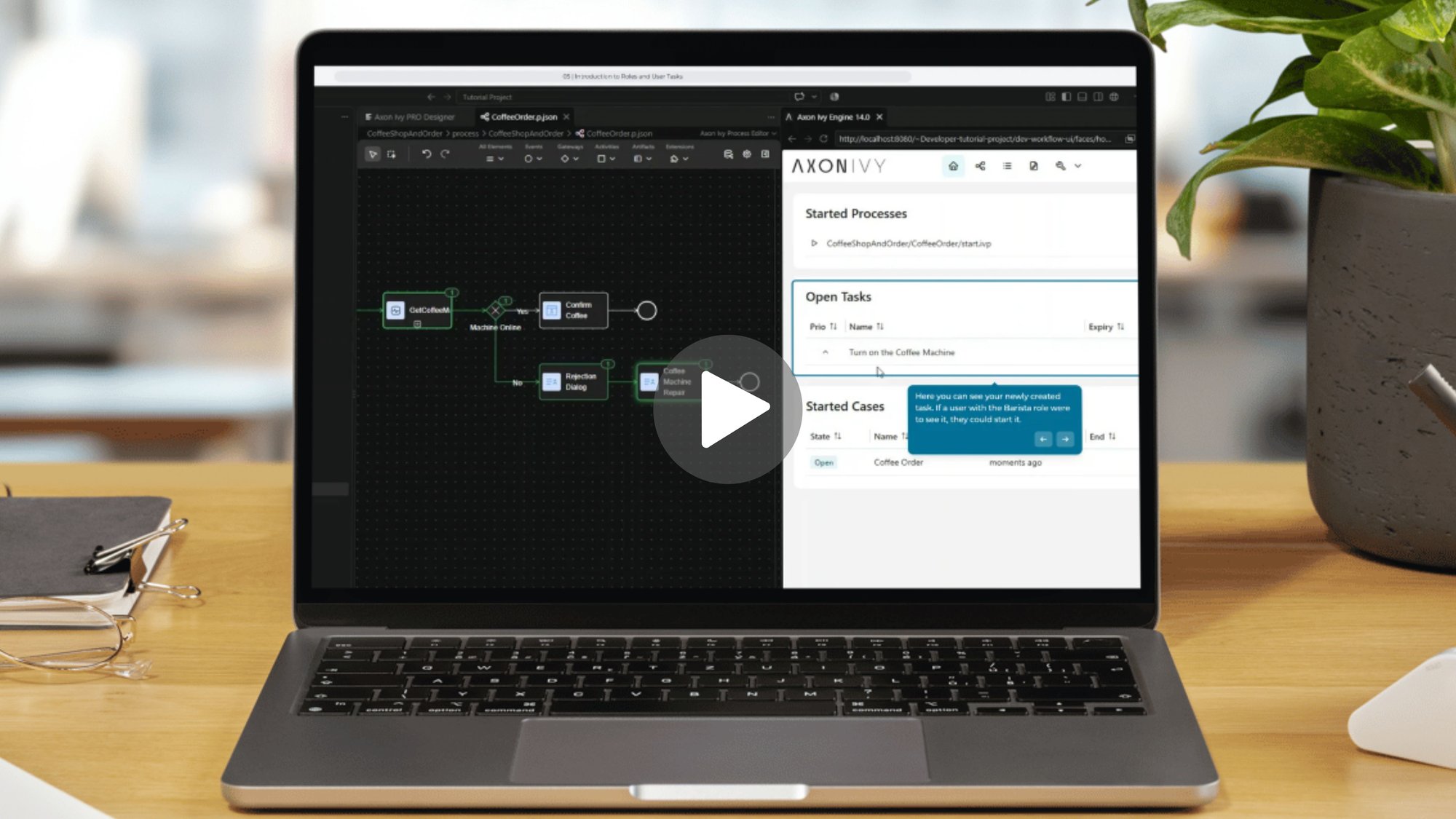
05 | Introduction to Roles and User Tasks in the Axon Ivy VS Code Designer

How to create a new role and set up a user task in the Axon Ivy VS Code Designer.

Watch now
Axon Ivy VS Code Designer Tutorial 6
VS Code Designer
Demo
6

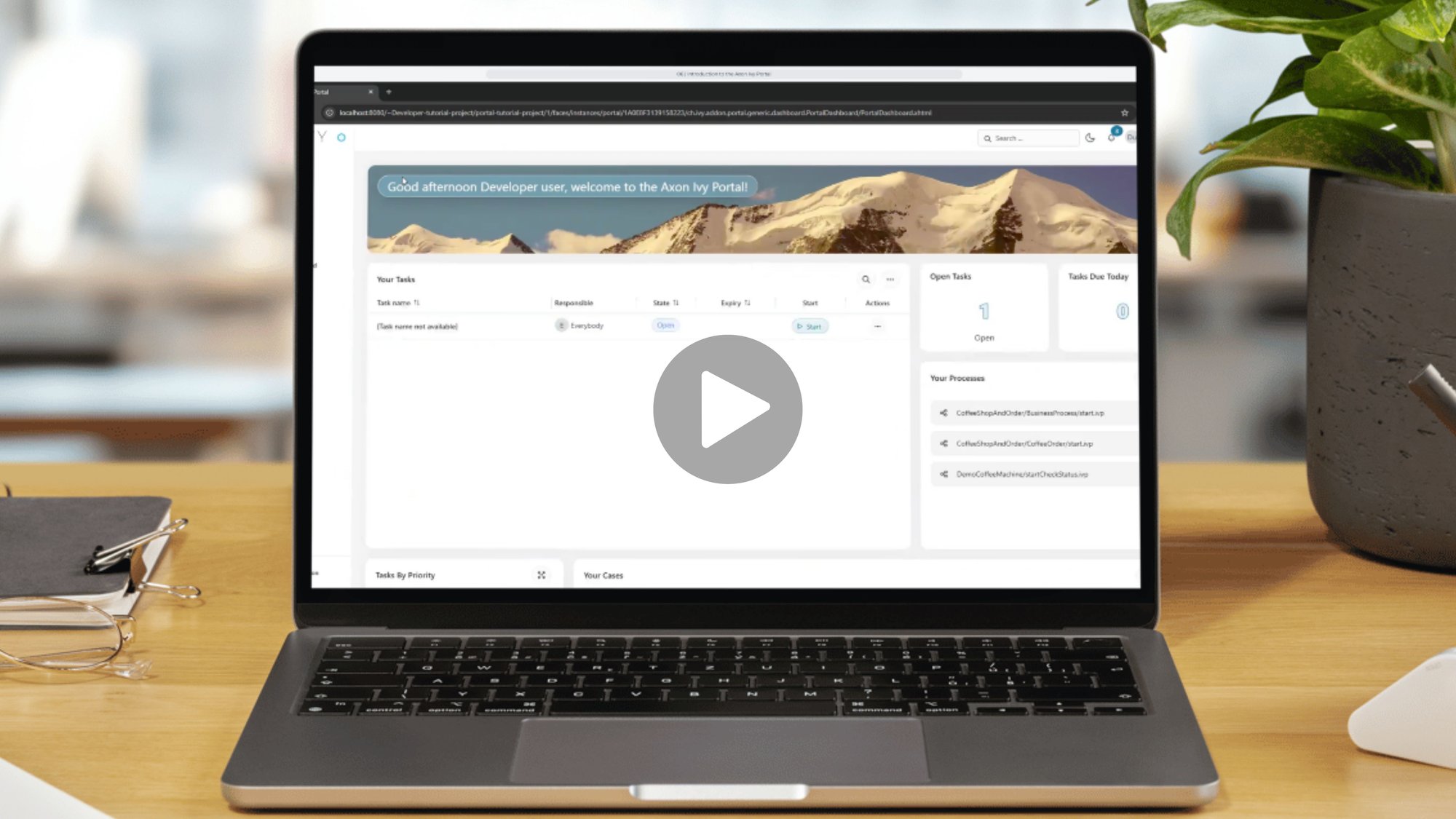
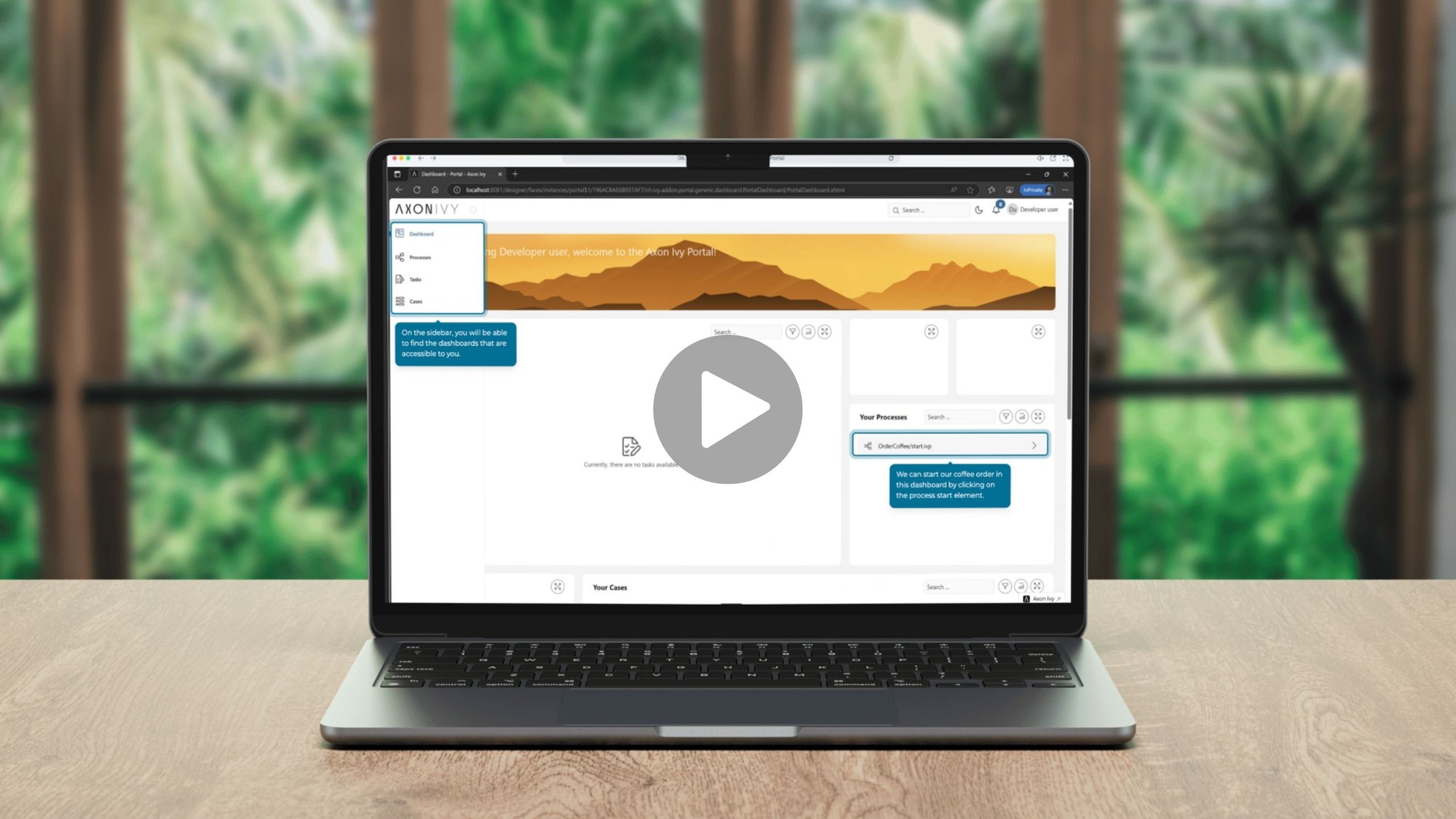
06 | Introduction to the Axon Ivy Portal & Cockpit

Learn how to use Axon Ivy Portal Version 14+ with this interactive step-by-step walkthrough.

Watch now
Axon Ivy Demo 1
Eclipse Designer
Demo
1

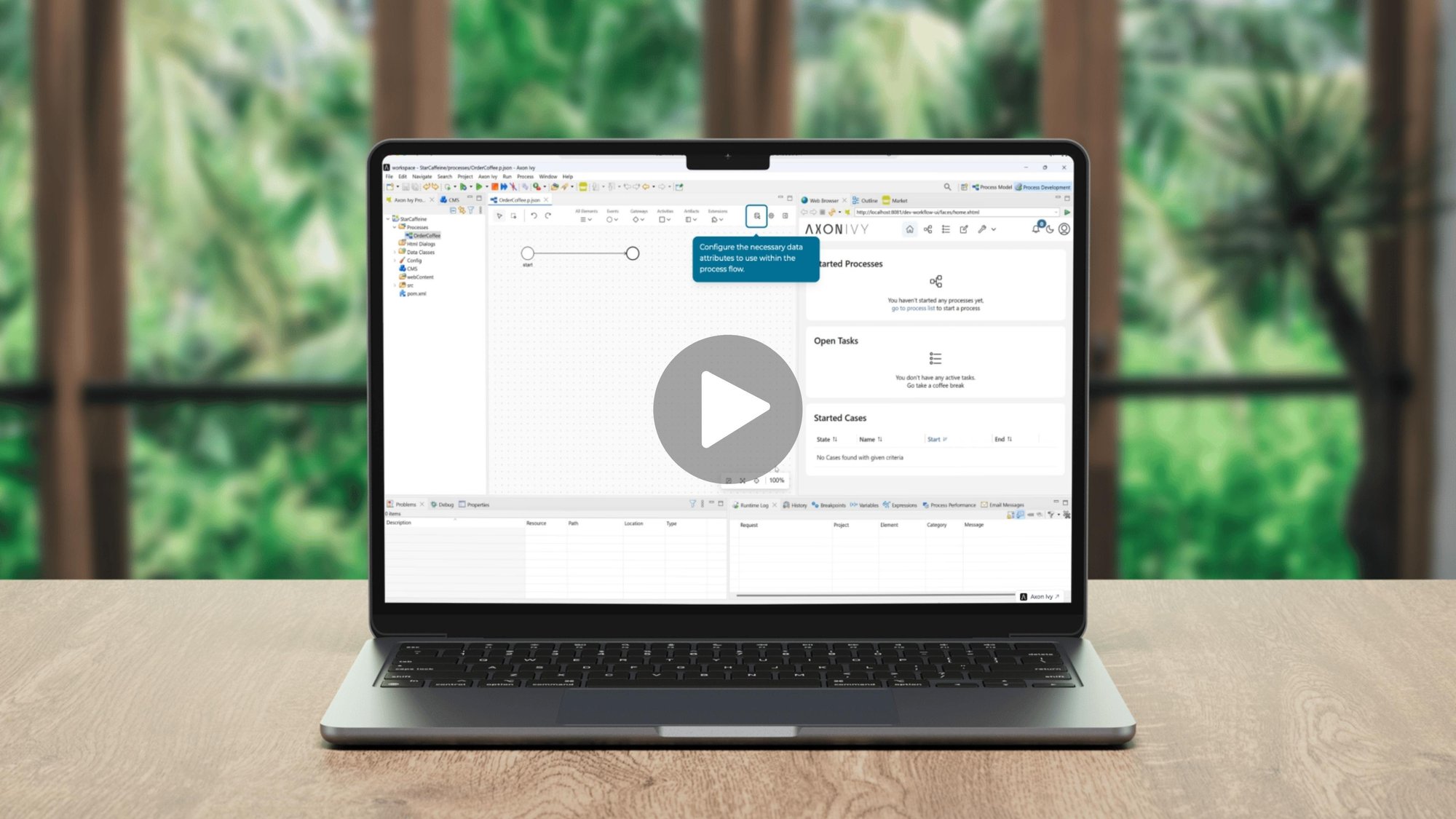
Your First Steps with the Axon Ivy Elcipse Designer

This guide will walk you through the basics — hands-on, easy, and fast.

Watch now
Axon Ivy Designer Demo 2
Eclipse Designer
Demo
2

Build & Execute Your First Project and Process with the Axon Ivy Eclipse Designer

Create your first project, design a simple process, and run it by using the Axon Ivy Eclipse Designer.

Watch now
Axon Ivy Designer Demo 3
Eclipse Designer
Demo
3

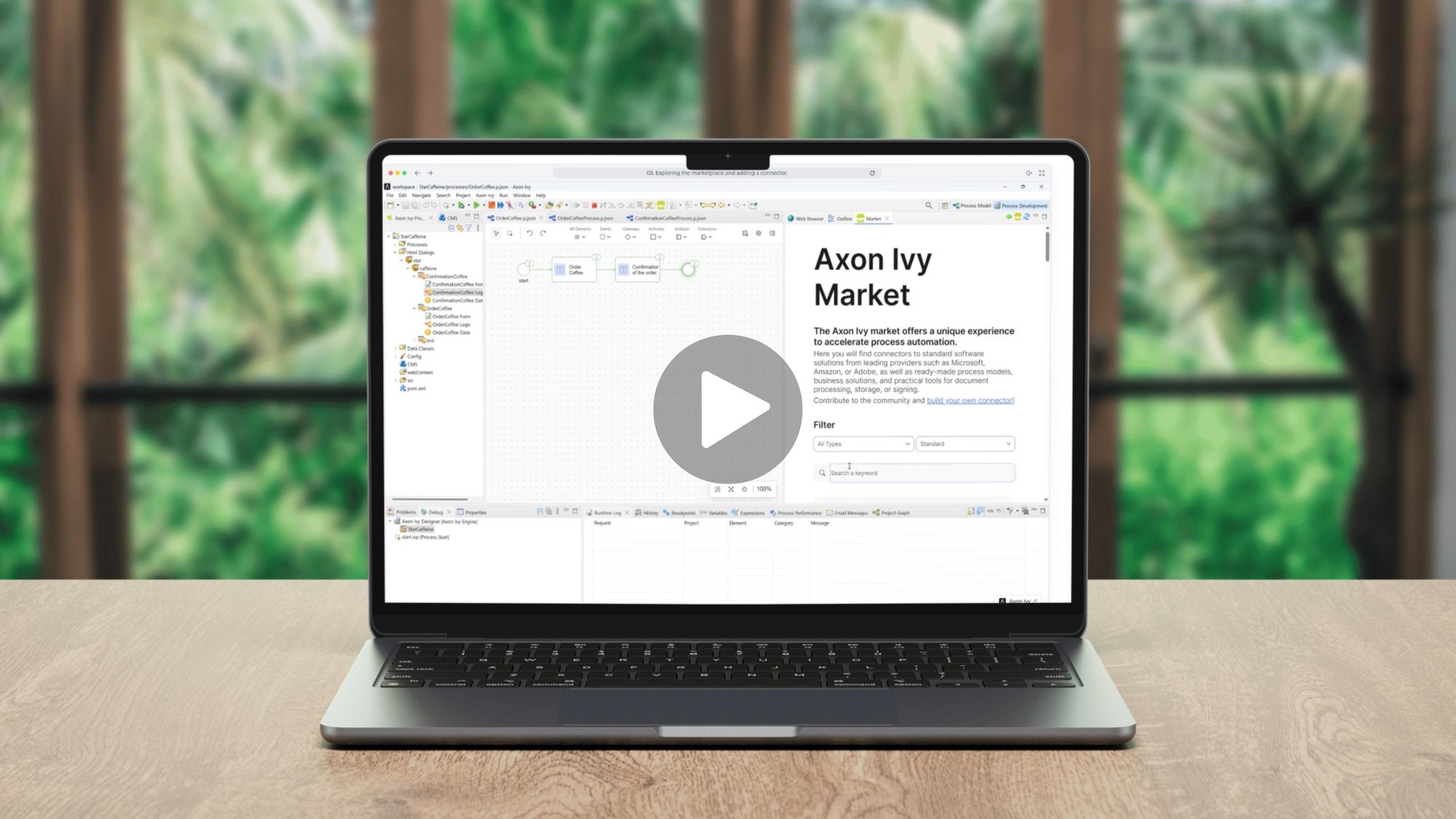
Exploring the Marketplace with the Axon Ivy Eclipse Designer

Click through a step-by-step, interactive demo walkthrough to explore the marketplace and add the coffee machine connector.

Watch now
Tutorial4
Eclipse Designer
Demo
4

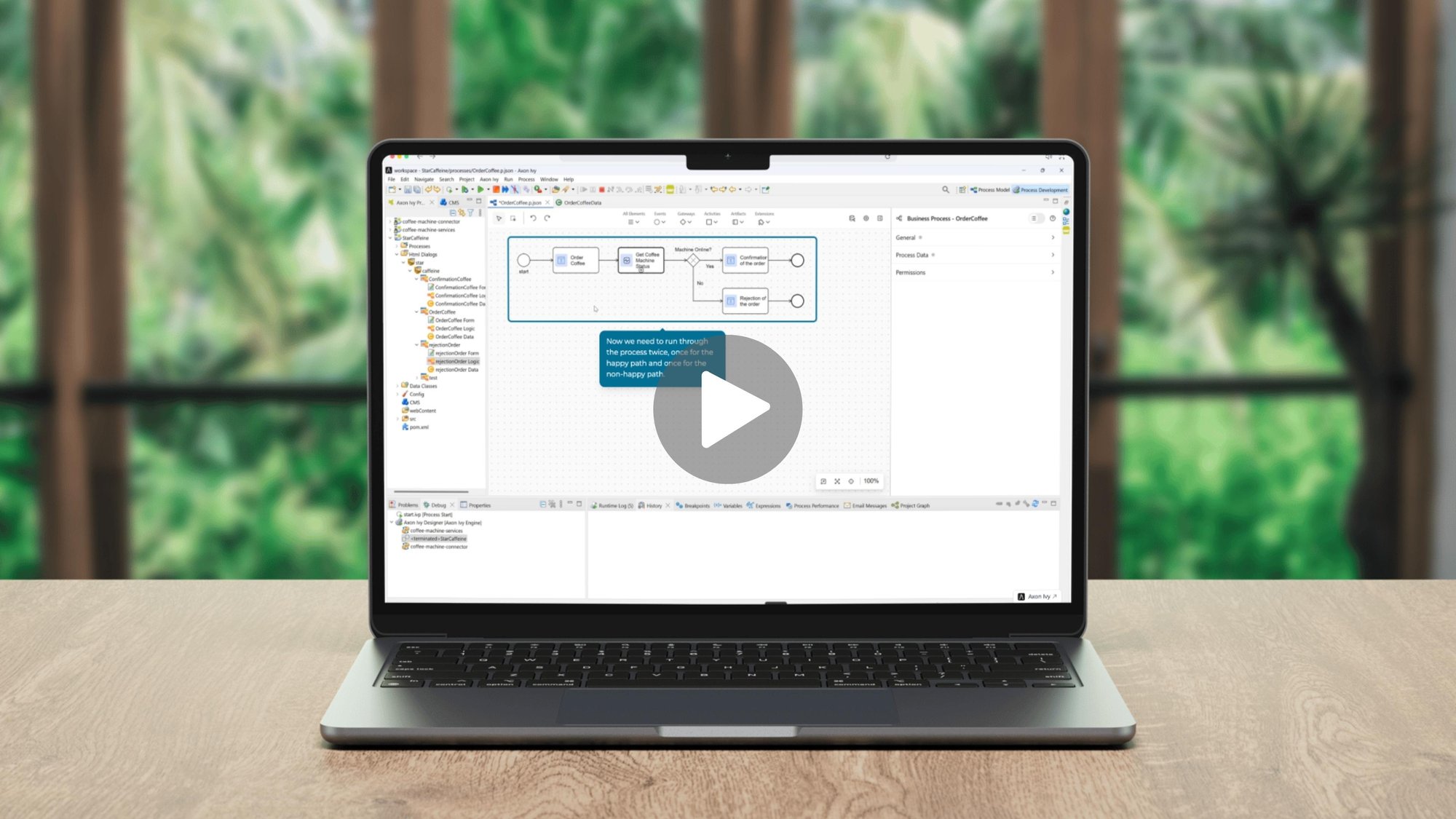
Introduction of a Gateway and a User Task with the Axon Ivy Eclipse Designer

Learn how to add a gateway, create an alternative route, and introduce a user task in the Axon Ivy 12 Eclipse Designer.

Watch now
Axon Ivy Designer Demo 5
Eclipse Designer
Demo
5

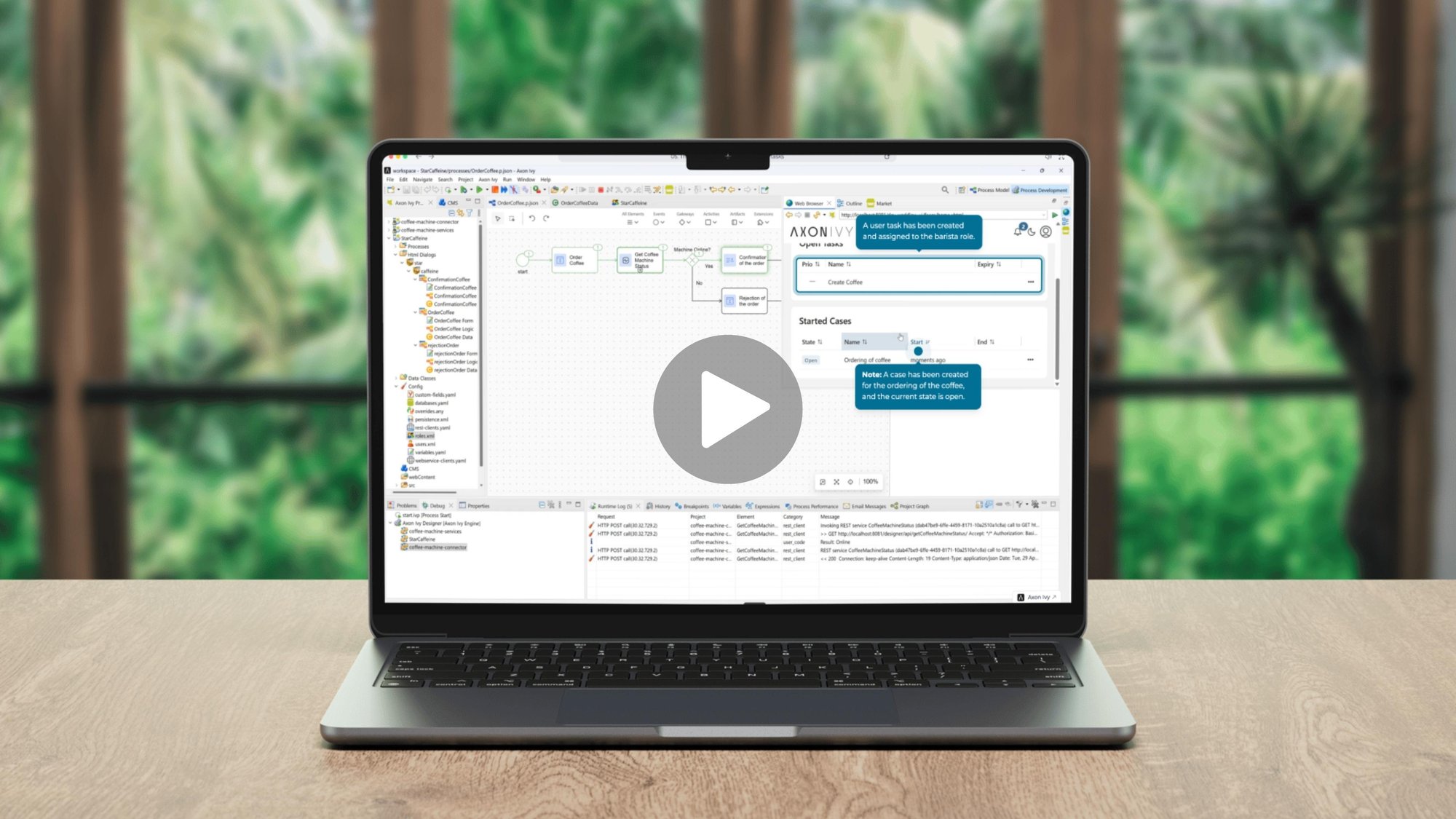
Introduction to Roles and User Tasks

How to create a new role and set up a user task in the Axon Ivy Eclipse Designer.

Watch now
Axon Ivy Deisgner Demo 6
Eclipse Designer
Demo
6

Introduction to the Axon Ivy Portal

Click below for a step-by-step walkthrough of the Axon Ivy Portal.

Watch now
Portal_Installation_Guide
Portal
Installation
Guide

How to Install the Axon Ivy Portal

Get a step-by-step walkthrough on how to install the Axon Ivy Portal in the Designer.

Watch now
Portal_Demo_1
Portal
Demo
1

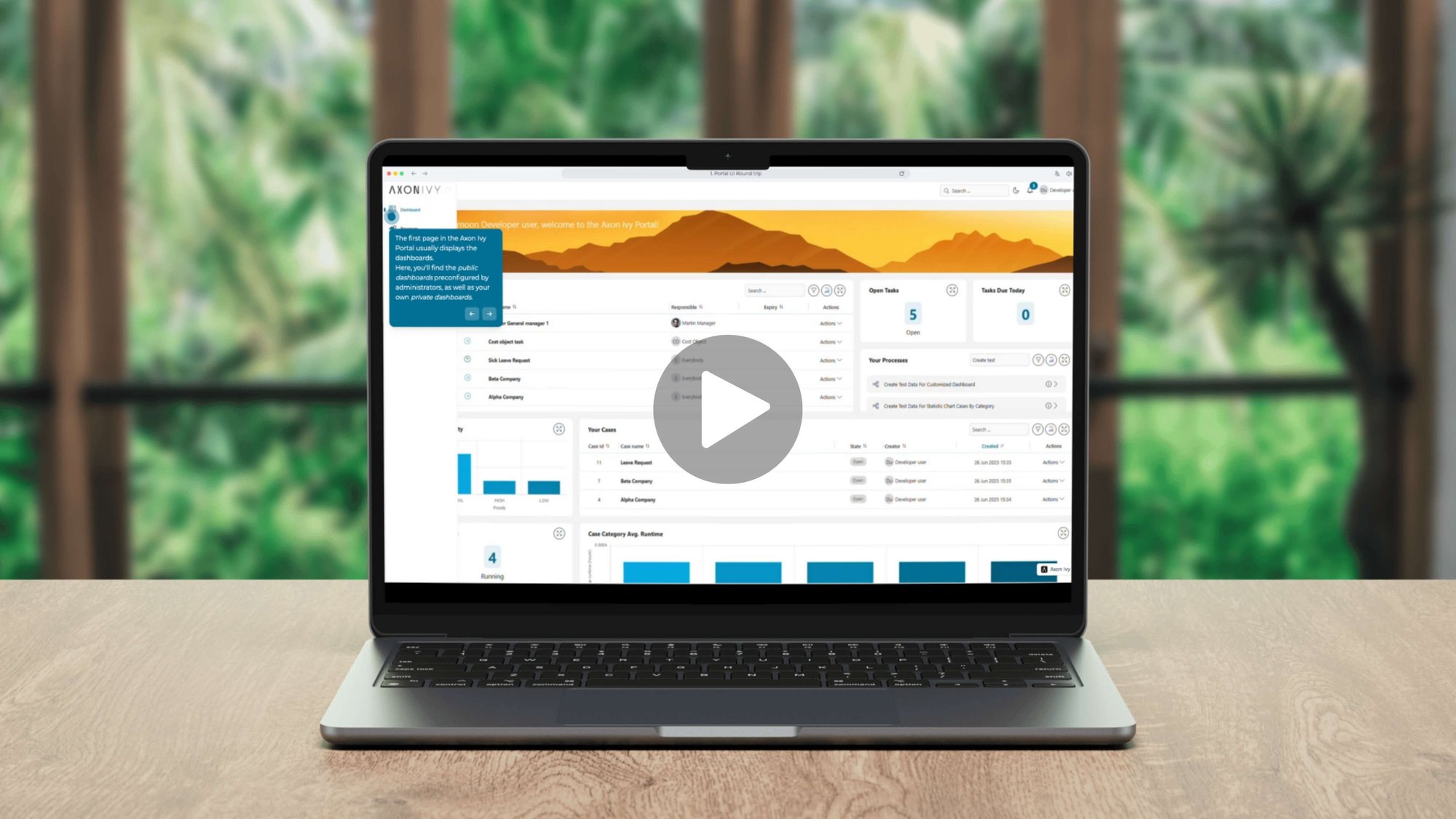
Axon Ivy Portal UI Round Trip

Get to know the features of the Axon Ivy Portal. In this chapter, you’ll take a guided tour through the Axon Ivy user interface.

Watch now
Portal_Demo_2
Portal
Demo
2

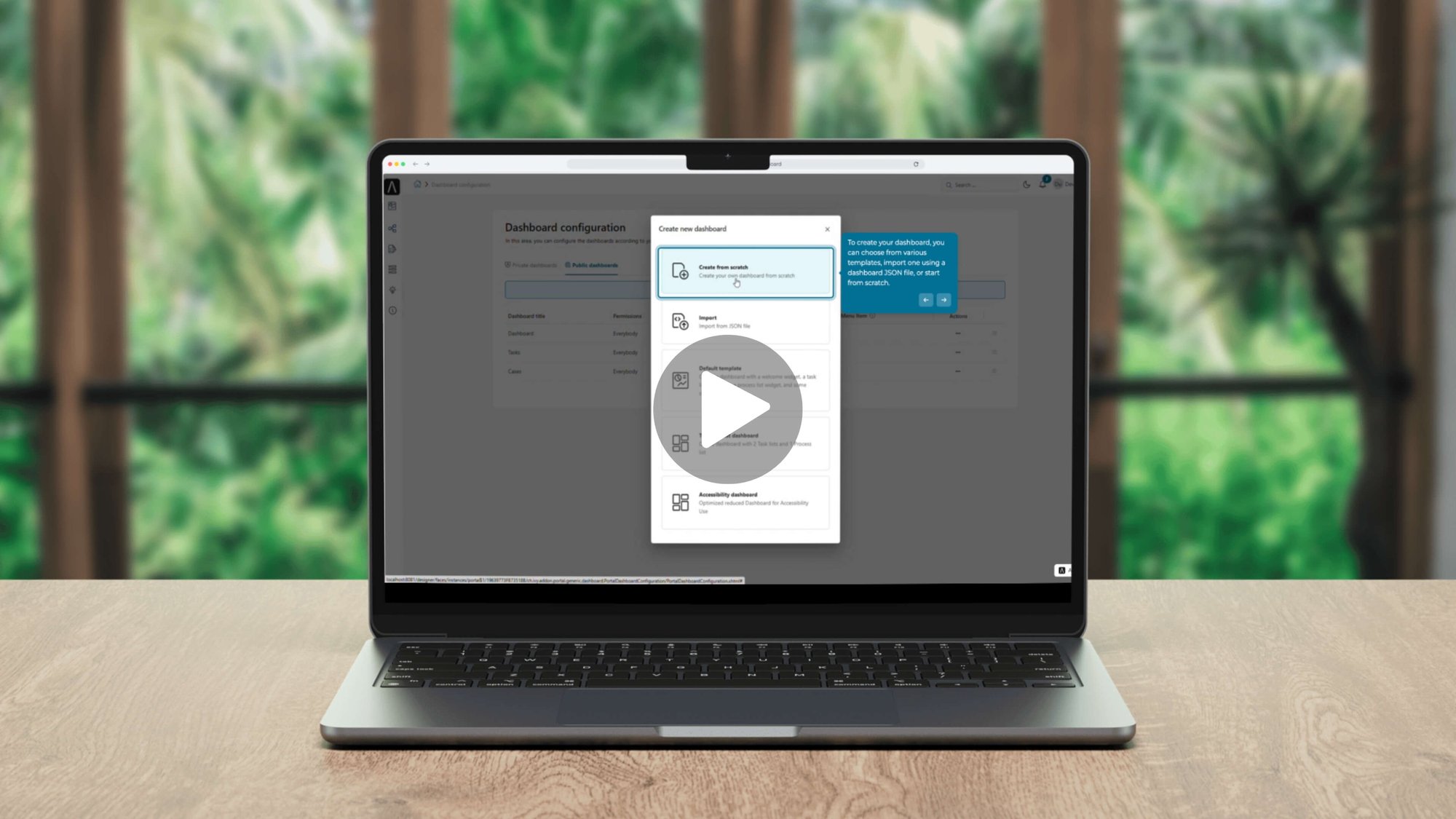
How to Create a Public and Private Dashboard

In this demo, you will learn how to create public and private dashboards in the Axon Ivy Portal.

Watch now
Portal_Demo_3
Portal
Demo
3

Add a Widget to Your Dashboard

In this chapter, you will learn how to add widgets to your dashboard.

Watch now
Portal_Demo_4
Portal
Demo
4

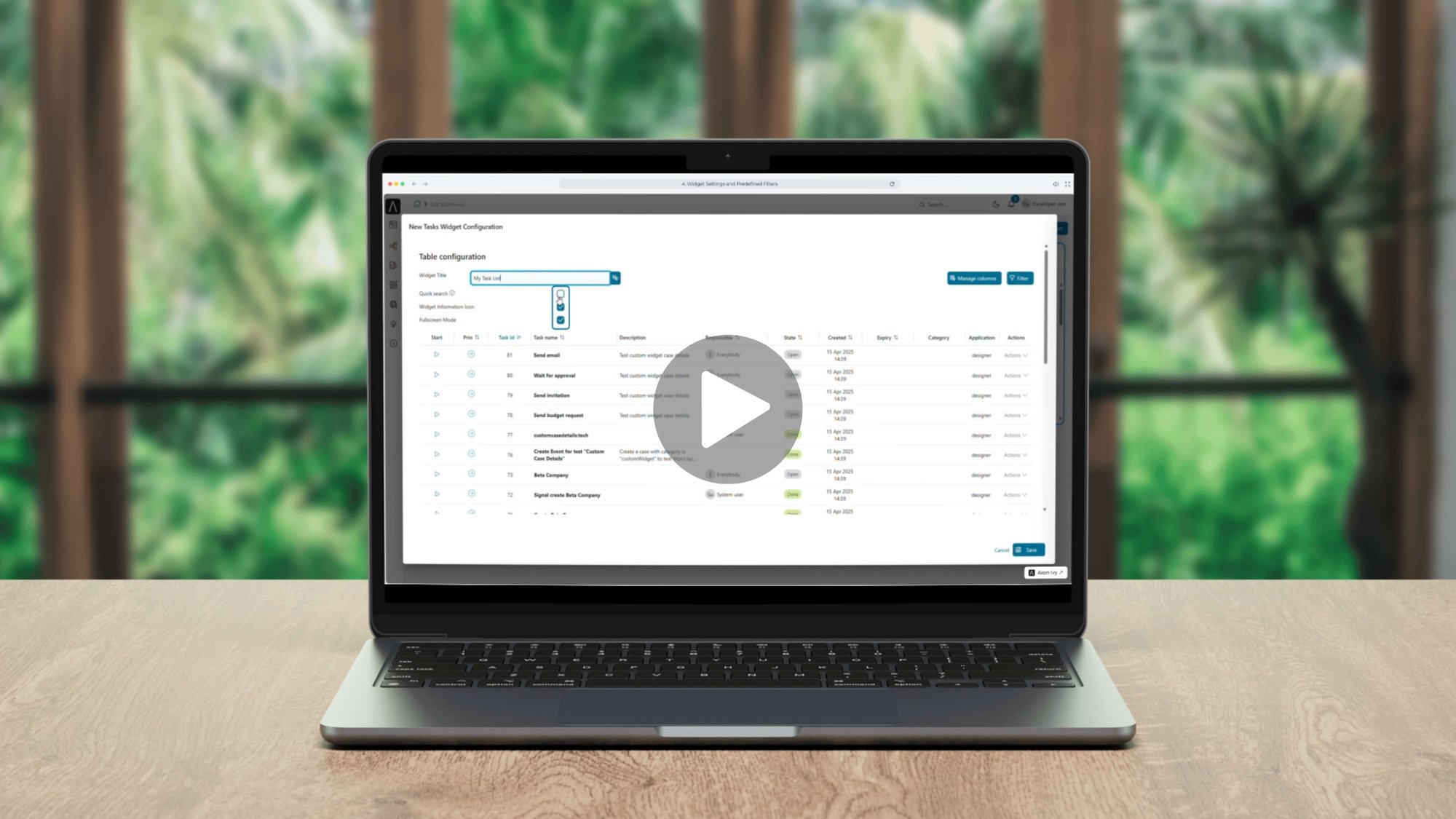
Configure a Task or Case Widget and Define Filters

In this chapter, you will learn how to add columns and set filters for the Task or Case widget.

Watch now
Portal_Demo_5
Portal
Demo
5

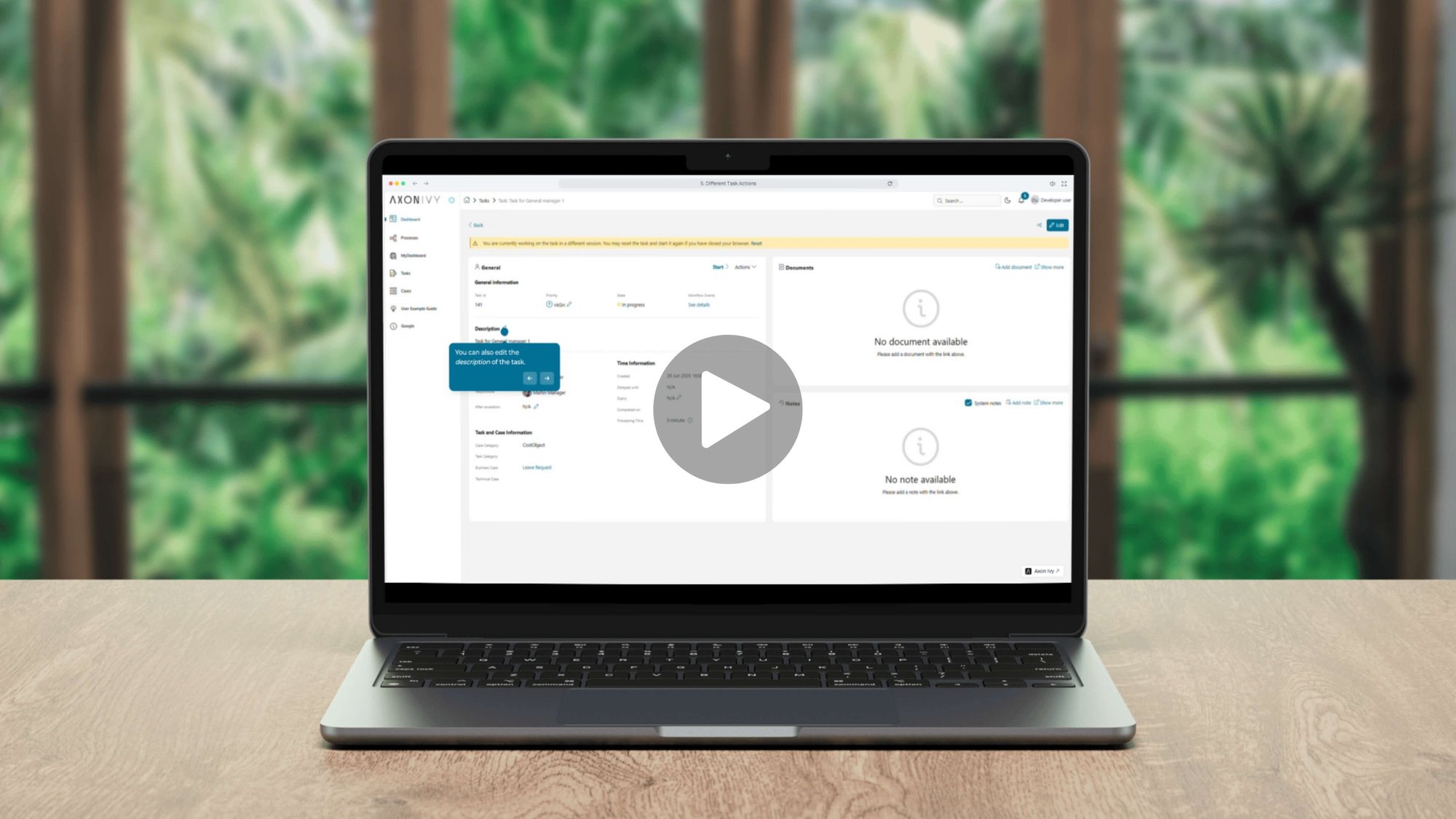
Different Task Actions and Details

In this chapter, you will learn how to work with tasks in the portal and how to access and use task details effectively.

Watch now
Portal_Demo_6
Portal
Demo
6

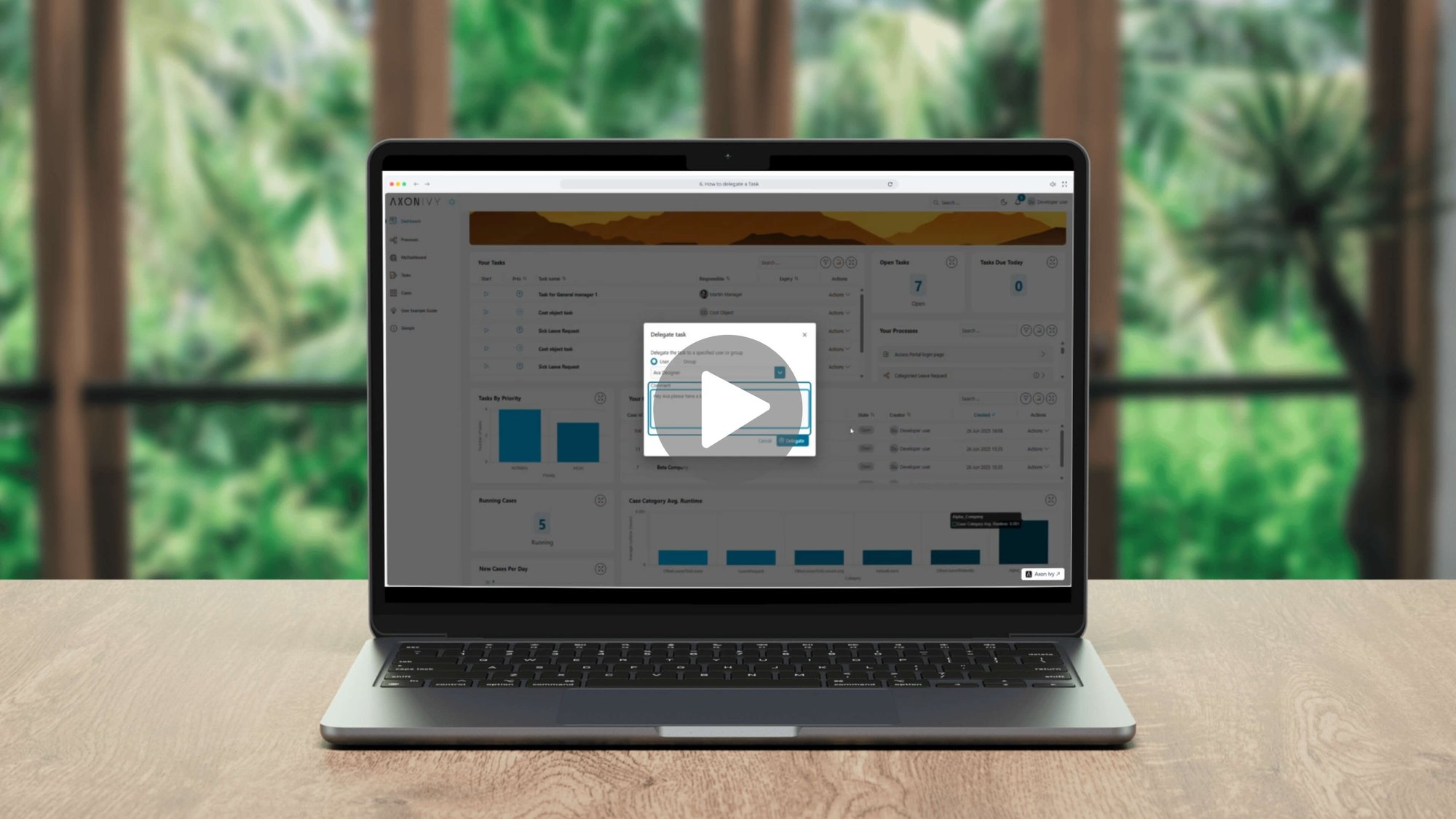
How to Delegate a Task

In this chapter, you will learn how to delegate your tasks to other users.

Watch now
Portal_Demo_7
Portal
Demo
7

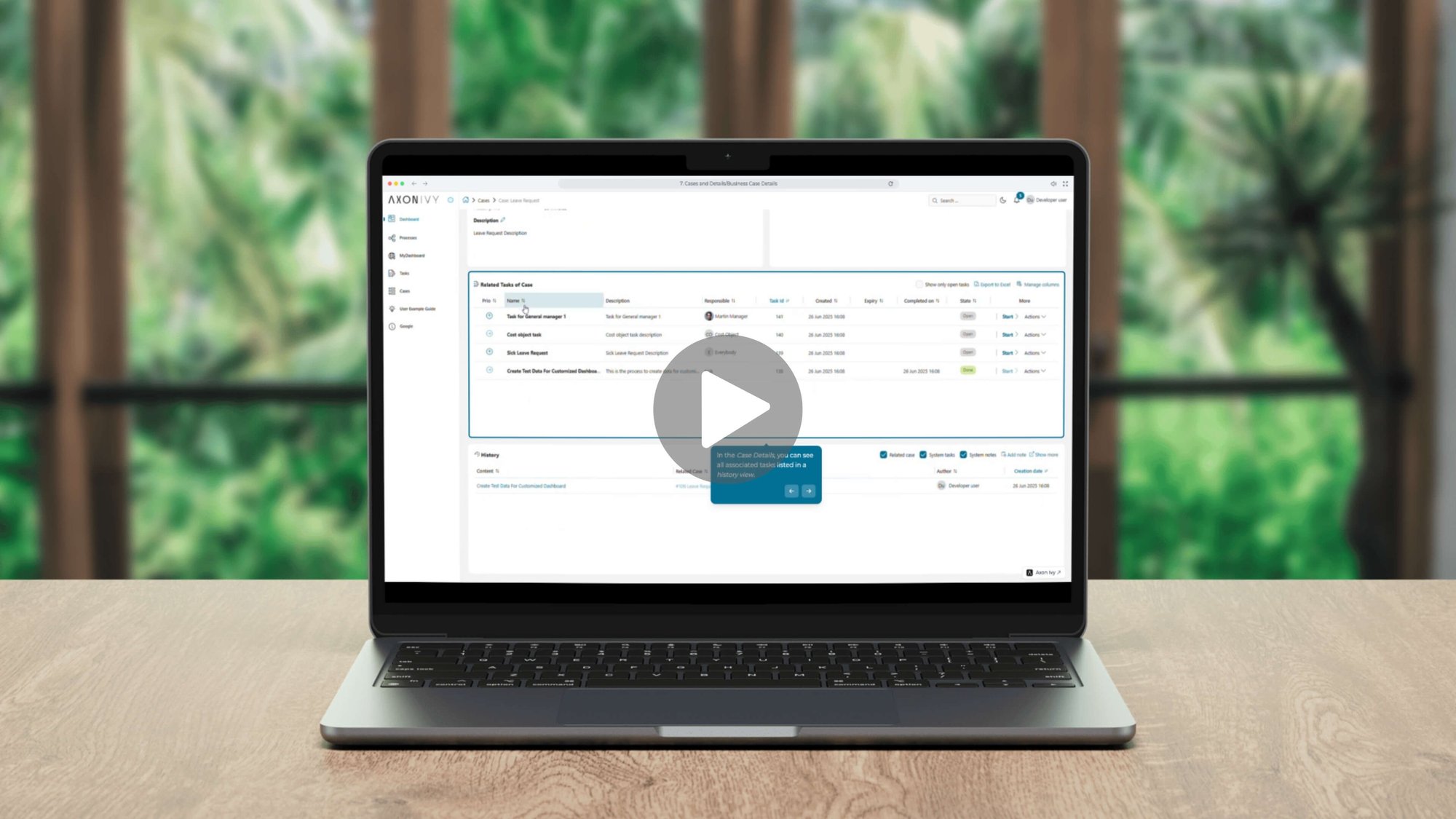
How to Work with Cases and the Case Details

In this chapter, you will learn how to manage cases and view their details within the portal.

Watch now
Portal_Demo_8
Portal
Demo
8

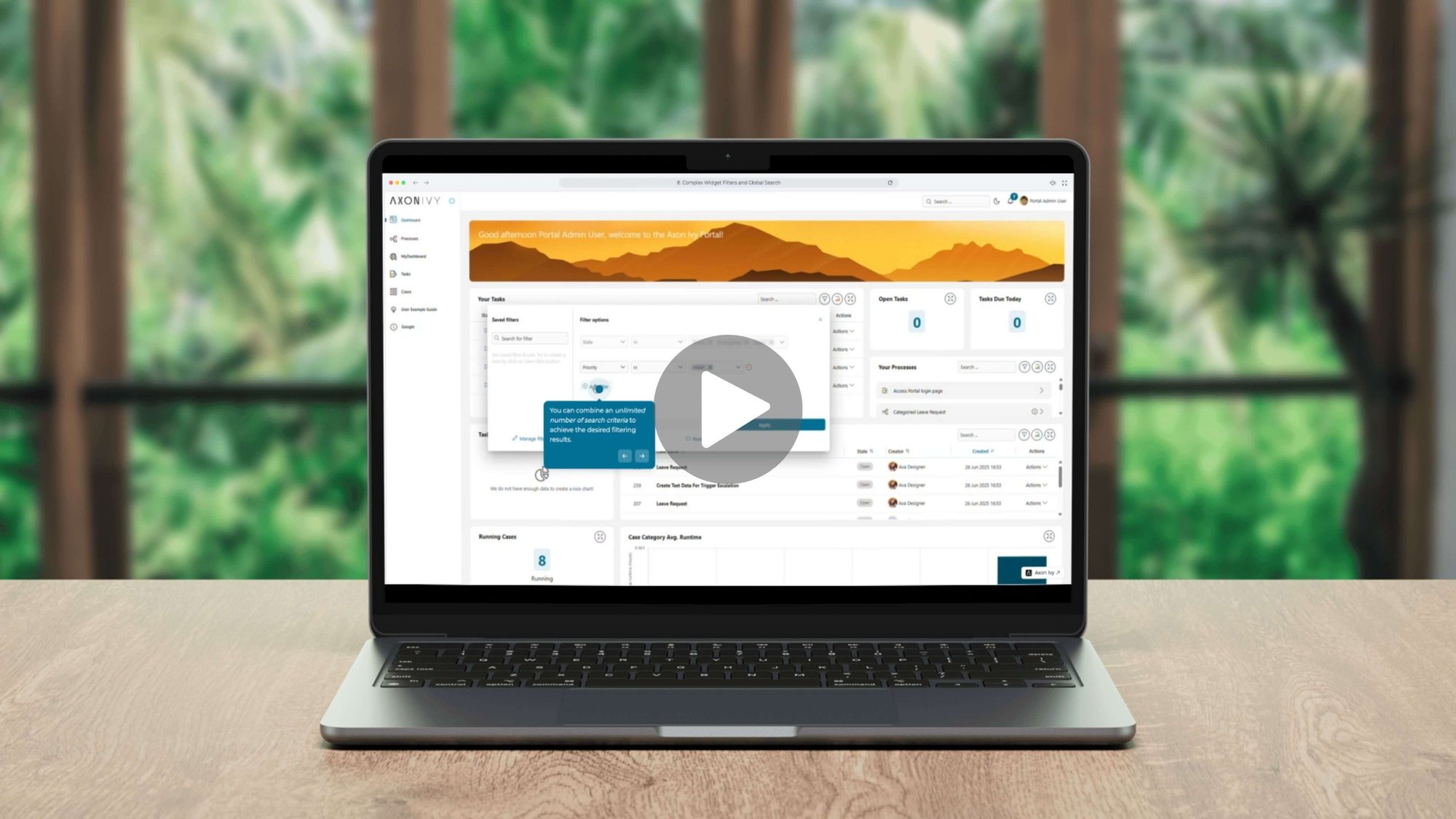
Complex Filter and Search Functions in the Portal

In this chapter, you will learn how to use advanced filter and search functions to quickly find tasks, cases, and other content within the portal.

Watch now
Portal_Demo_9
Portal
Demo
9

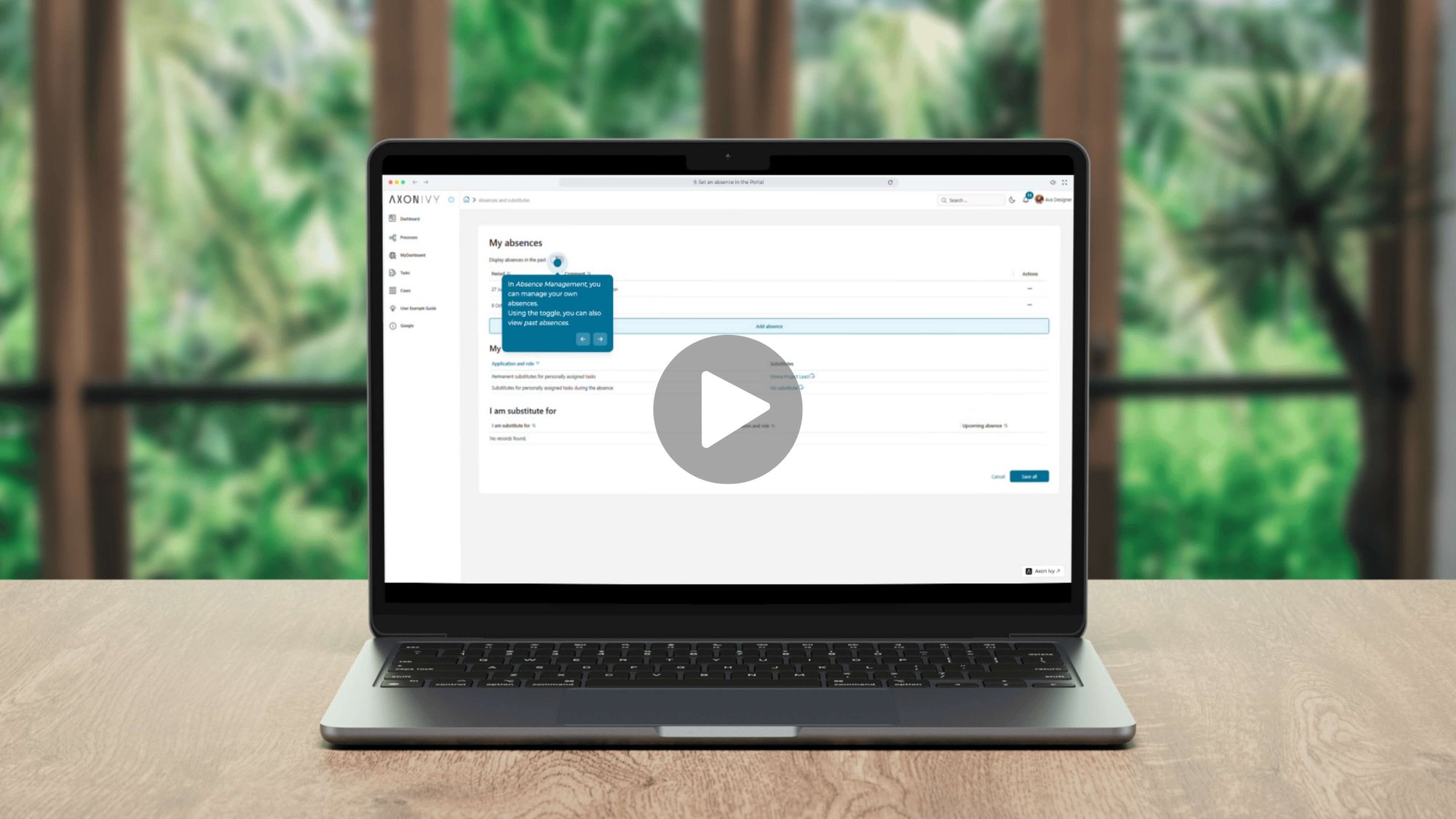
Absence Management

In this chapter, you will learn how to manage absences and define substitutes to ensure tasks are handled during your time away.

Watch now
Portal_Demo_10
Portal
Demo
10

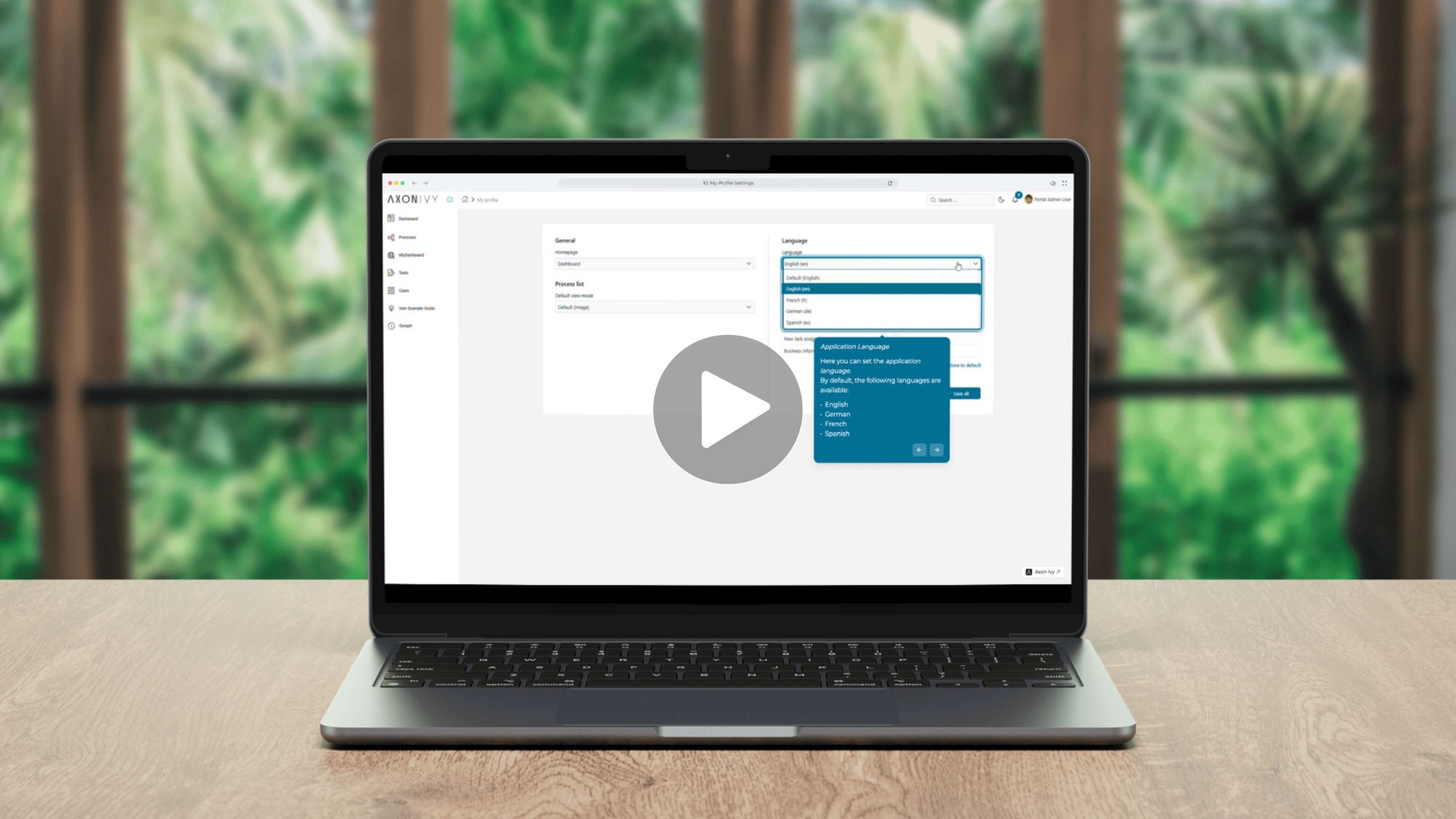
Manage Your Profile Settings

In this chapter, you will learn how to manage your personal profile settings, such as language preferences, notifications, and other user-specific options.

Watch now
Portal_Demo_11 (1)
Portal
Demo
11

How to Use the Custom Statistics Features

With Axon Ivy version 13.2, we have introduced a comprehensive analysis function in the portal. This allows you to easily create statistics widgets that give you better insights into your own data.

Watch now

Ready to Explore Axon Ivy?

Whether you'd like to learn more about the platform or start building your own automation solutions, the next step is yours.
book an Axon Ivy Demo

Personalised Axon Ivy Demo

See how Axon Ivy can help automate and orchestrate your business processes. Our experts will show relevant use cases and answer your questions.

Request a demo
Download Axon Ivy trial environment

Get the Axon Ivy Trial Environment

Get access to your own Axon Ivy environment and explore process automation, workflow orchestration, integrations, and application development at your own pace.

Start a free trial